▱
Smart cleanup sections
Jump straight to screenshots, large videos, bursts, and selfies—the places where easy wins tend to hide.
Turn an overwhelming camera roll into quick, confident decisions. Swipe left to delete. Swipe right to keep. Your photos stay on your device.
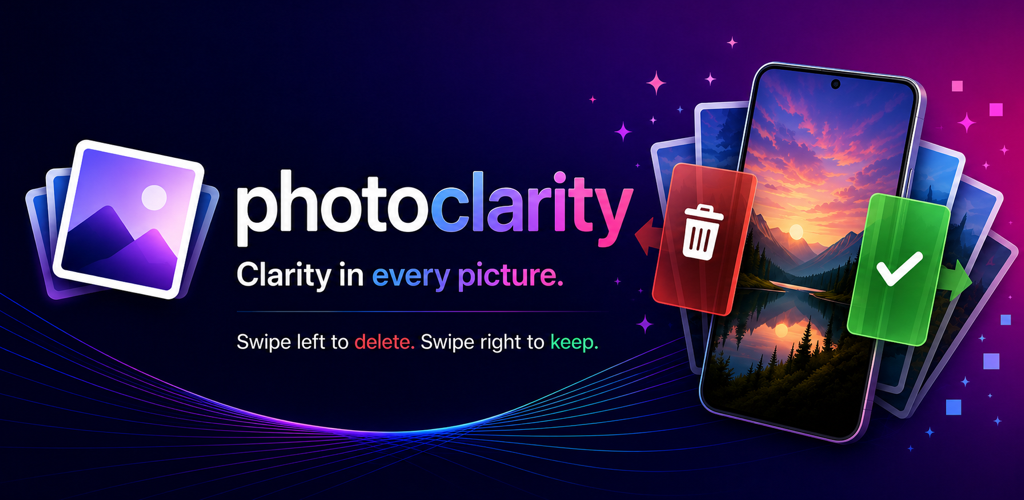
PhotoClarity organizes the work into focused passes, so you can clear a few screenshots now, review last month later, or jump into a shuffled run through your library.
Jump straight to screenshots, large videos, bursts, and selfies—the places where easy wins tend to hide.
Work month by month, revisit photos from this day in past years, or focus on your recent camera roll.
Change your mind while reviewing, then confirm the batch only when you are ready.
Check the date, media type, dimensions, duration, and estimated size before making a decision.
Resume unfinished sections and see how many items you have deleted and how much space you have reclaimed.
No feeds, streak pressure, or noisy dashboards. Review a handful of photos whenever you have a minute.
Nothing is removed as you swipe. PhotoClarity collects your choices, then uses the Apple Photos or Android system confirmation before selected items move to the device's recovery area.
Set aside the shots you no longer want.
Mark the memories that still matter.
PhotoClarity reads your library only after you grant permission. Photo organization and reviewing happen locally on your device.